Device Support
VSight Remote supports a wide range of devices, including smartphones, tablets, desktops, and smart glasses, providing flexibility for users in different environments.
iOS Devices
✅ iOS 13 or later is required for compatibility.
✅ Supported devices include:
-
iPhone 8 or later.
-
iPad Pro 2017 or later.
✅ Devices must support ARKit for AR+ features.
Android Devices
✅ Android 8.0 or later is required.
✅ Minimum hardware specifications:
-
1.5 GB RAM.
-
1.5 GHz core speed.
✅ AR+ features require ARCore support.
Web & Browser Support
✅ Access VSight Remote directly via the web app: app.vsight.io.
✅ Download the Android APK directly at: VSight Remote APK.
Integration Support
VSight Remote offers extensive integration options to enhance workflow efficiency and connect with existing enterprise tools.
Pre-Built Integrations
✅ CRM & Business Tools integration with:
-
Salesforce.
-
HubSpot.
-
SAP.
-
Outlook.
Custom API Integrations
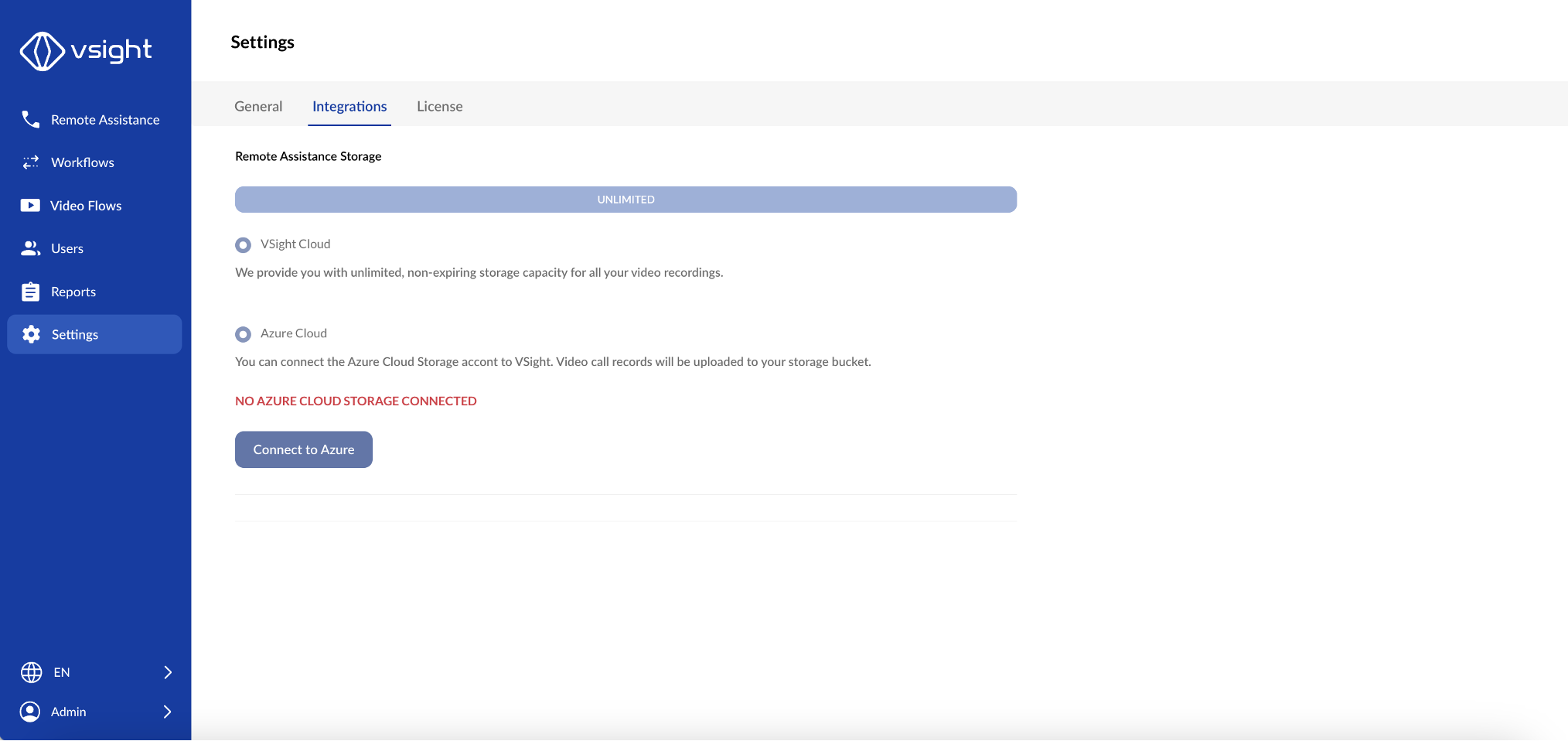
✅ Open API support to connect VSight Remote with external systems.
✅ Compatible with Azure, AWS, and custom archive solutions.
✅ Ability to integrate with custom-built applications.
Enterprise Features
✅ Single Sign-On (SSO) integration for streamlined authentication.
✅ Custom CRM integration to enhance business workflows.
✅ White-labeling options for businesses to use VSight Remote under their own branding.
Port Settings
For your users to use VSight Remote smoothly, the following ports should be open:
-
TCP port 443
-
UDP port 3478
-
UDP port 1025-65535 (optional for better connectivity)
Enter the following domains in the whitelist:
-
*.vsight.io
-
*.tokbox.com
-
*.opentok.com
-
*.europe-west1.firebasedatabase.app
-
*.vsight.app
Our servers change in real time, so the IP addresses can change dynamically depending on the data traffic. By using services such as Google Firebase, it is also not possible for us to name static IP addresses.
Network Requirements
For a smooth session of high quality, we recommend a download and upload speed of 1 Mbit/s. The minimum requirement to hold a session is a connection speed of around 350 Kbit/s.
Data Consumption
Based on experience, a session with 2-4 participants and an average use of platform features requires a data volume of approximately 700 - 1,000 MB per hour.
Usage of the Platform in Countries with Restricted Internet Access
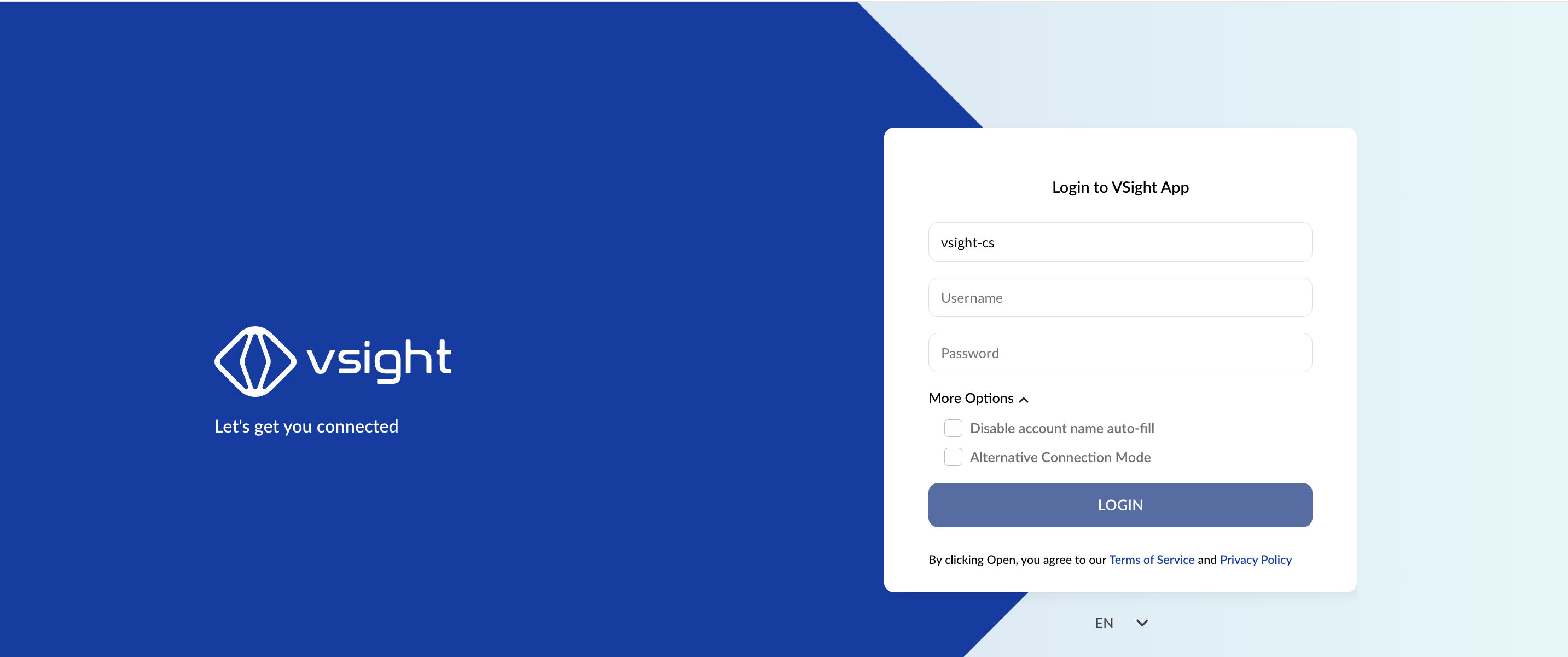
In order to use VSight Remote in countries with restricted internet access, users have to activate the checkbox “Alternative Connection Mode”. All users with no restrictions can use the platform as usual.
Best Practices for Device & Integration Support
✔ Keep Devices Updated – Ensure iOS and Android devices run the latest software for optimal performance.
✔ Check Hardware Compatibility – Verify that your device supports AR+ features if needed.
✔ Utilize API Integrations – Connect VSight Remote with business tools for seamless workflow automation.
✔ Enable SSO – Simplify authentication by integrating with enterprise login solutions.
✔ Ensure Network Readiness – Open necessary ports and whitelist domains for uninterrupted sessions.
With VSight Remote’s multi-device support and integration capabilities, businesses can enhance remote collaboration and operational efficiency.
📌 Need More Help? – See further information at VSight Help Center or contact support for assistance.