
Telecom & Contact Centers
Visual Support for Telecom Call Centers
See what your customer sees. Turn call-center agents into remote visual experts who guide subscribers through router setup, Wi‑Fi troubleshooting and device activation — live, through the customer's phone camera, with no app to download.
Proven inside a Tier‑1 telecom operator
First-contact resolution
Fewer field visits / truck rolls
Visual support sessions per month
Average customer satisfaction
Average score across 4,400+ post-session ratings.
Results from a Tier‑1 telecom operator using VSight Remote across 200+ contact-center agents — based on 10,000+ visual sessions per month (5–7 minutes on average) and 4,400+ post-session ratings.
The blind-support problem
Your agents can hear the customer — but they can't see the problem
Most telecom support still happens over voice. Agents read scripts while subscribers struggle to describe blinking lights, cable colors and error screens. The result is long calls, repeat contacts, avoidable technician dispatches and churn in the critical first 90 days. Visual support removes the guesswork: the moment the agent sees what the customer sees, the call gets shorter and the fix gets faster.
Why this matters
The same call, two very different endings
A subscriber with a slow-internet problem — handled the old, voice-only way, and the new way with visual support.
The old way · phone only
Slow, expensive, customer leaves
A technician is scheduled and the customer waits days at home. They call back, again and again, get frustrated — and switch to a competitor.
The new way · with VSight
Fast, free, customer stays
The agent sees the modem within seconds, points to the fix on the live image, and the problem is solved on the same call. No truck roll, no callback — the customer stays.
Across the lifecycle
Value from activation to retention
Self-install & activation
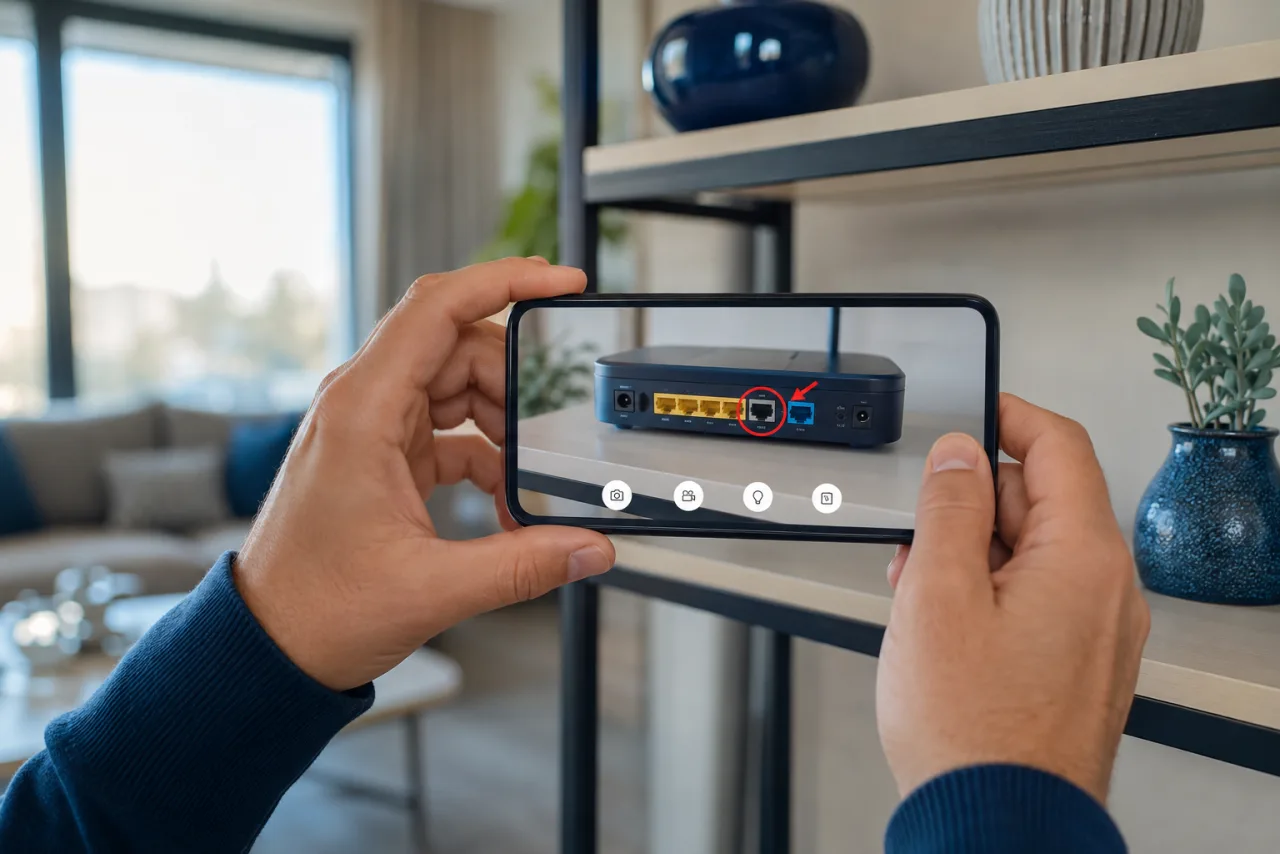
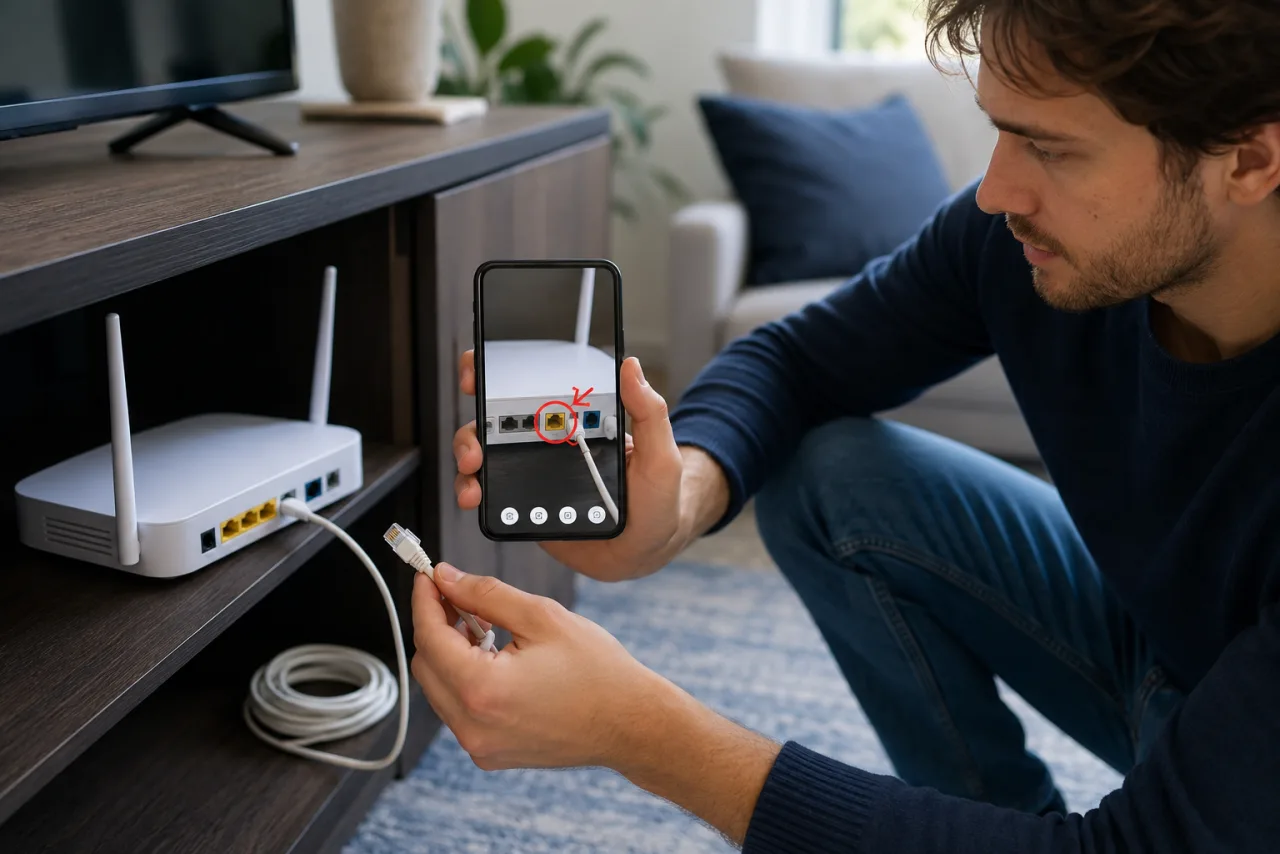
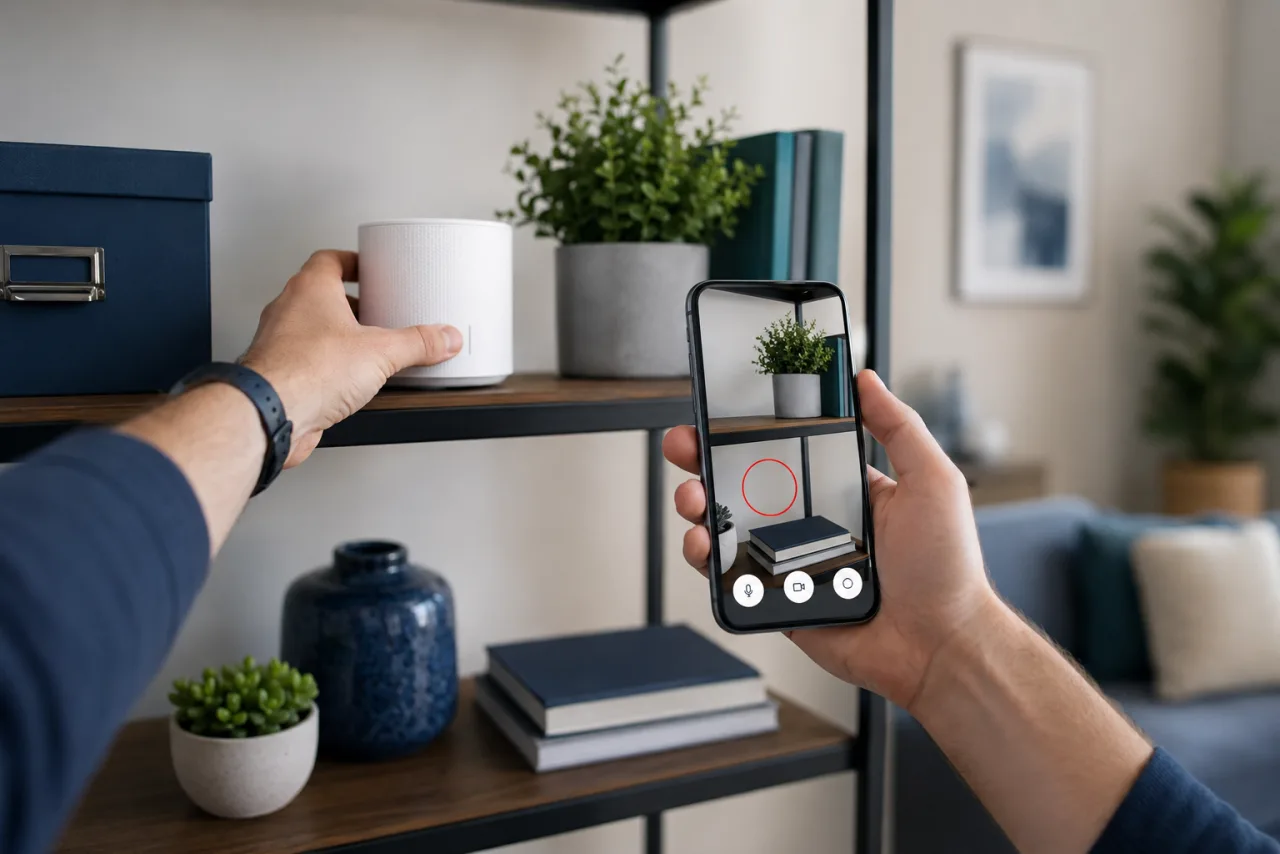
Walk new subscribers through unboxing, cabling and router setup using their phone camera. The agent sees the ports, cables and indicator lights in real time and annotates exactly what to plug in where — turning a frustrating self-install into a guided first-call success.
Contact-center troubleshooting
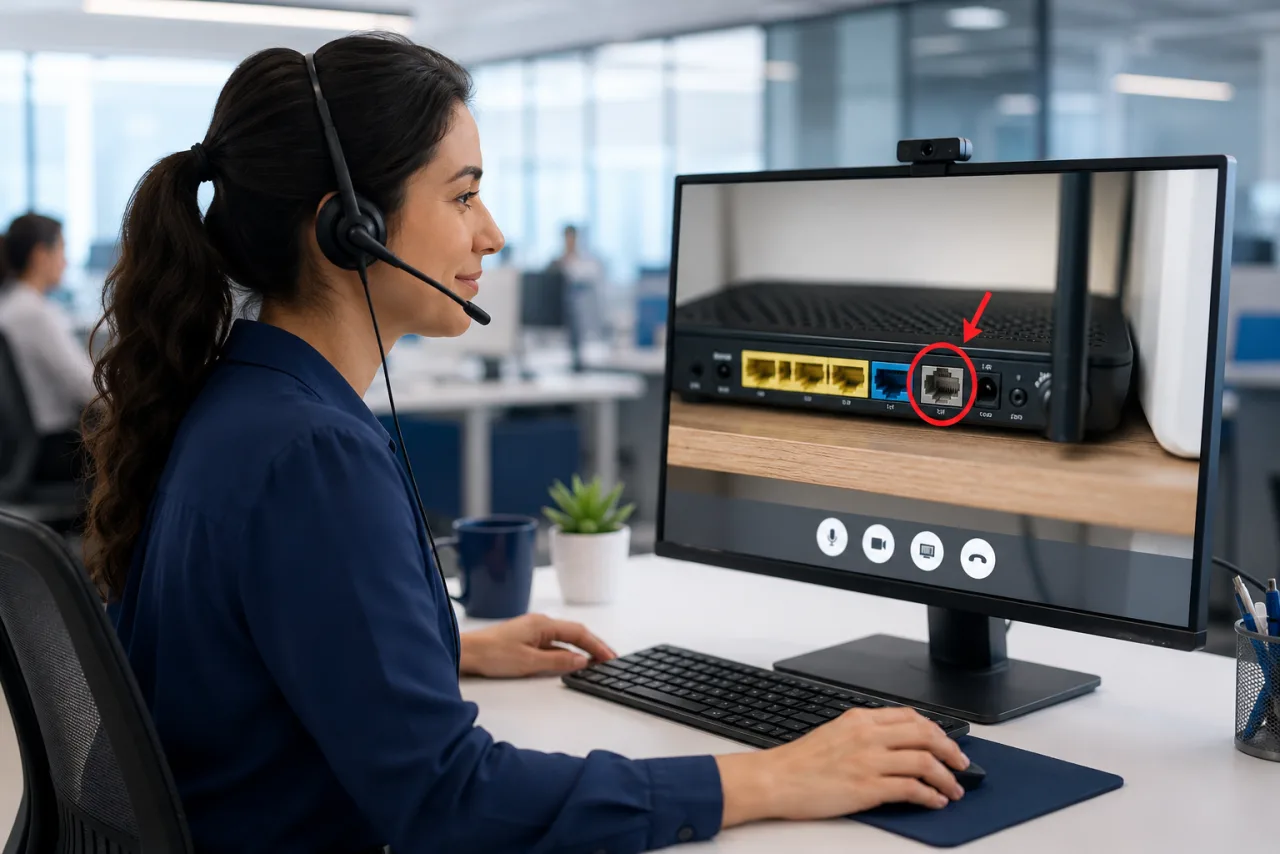
When a subscriber calls about no internet or weak Wi‑Fi, the agent launches a visual session — only when it's actually needed — instead of reading from a script. Seeing the modem, the error lights and the home setup resolves issues on the first call that voice-only support would escalate or dispatch, with most sessions wrapped up in 5–7 minutes.
Avoid the truck roll
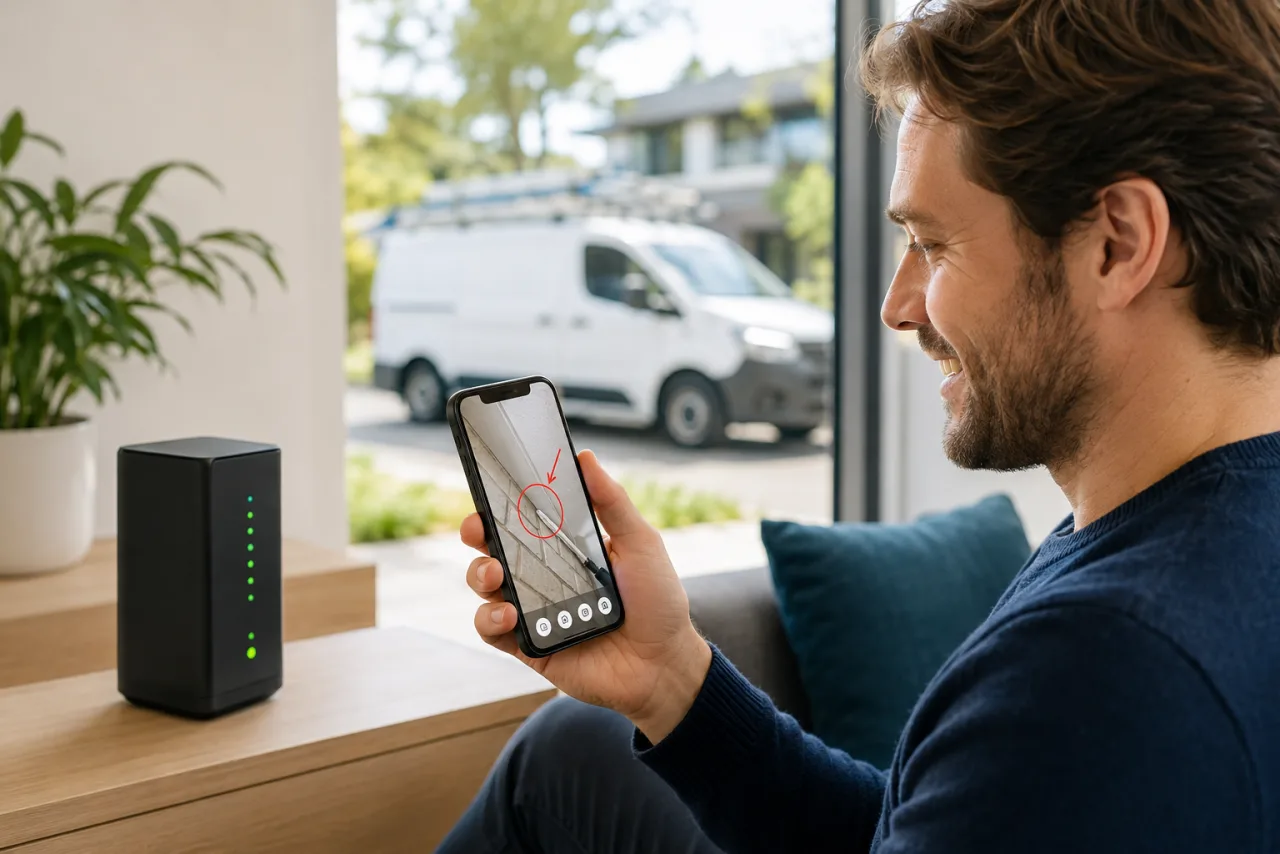
Most dispatches are avoidable. Before sending a technician, the agent verifies the fault visually and fixes what can be fixed remotely. Every avoided truck roll saves hundreds of dollars and removes a multi-day wait for the customer.
Ongoing care & upsell
Visual sessions make every later interaction faster — device swaps, plan upgrades, mesh extender placement. A confident, low-effort support experience is what keeps subscribers from churning in the critical first 90 days.
How a real call goes
One support call, from start to finish
What happens on a normal day, with a normal customer — five steps, no app to download.

Customer calls, frustrated
The internet is slow again — and they've called before. They're tired of it, and close to switching provider.
About to leave Agent sends a link by SMS
Instead of reading a script, the agent texts a secure link. The customer taps it — no app to download, nothing to install.
No technician needed Agent sees what the customer sees
The modem, the cables, the blinking lights — live on the agent's screen, straight from the customer's phone camera.
Real problem is visible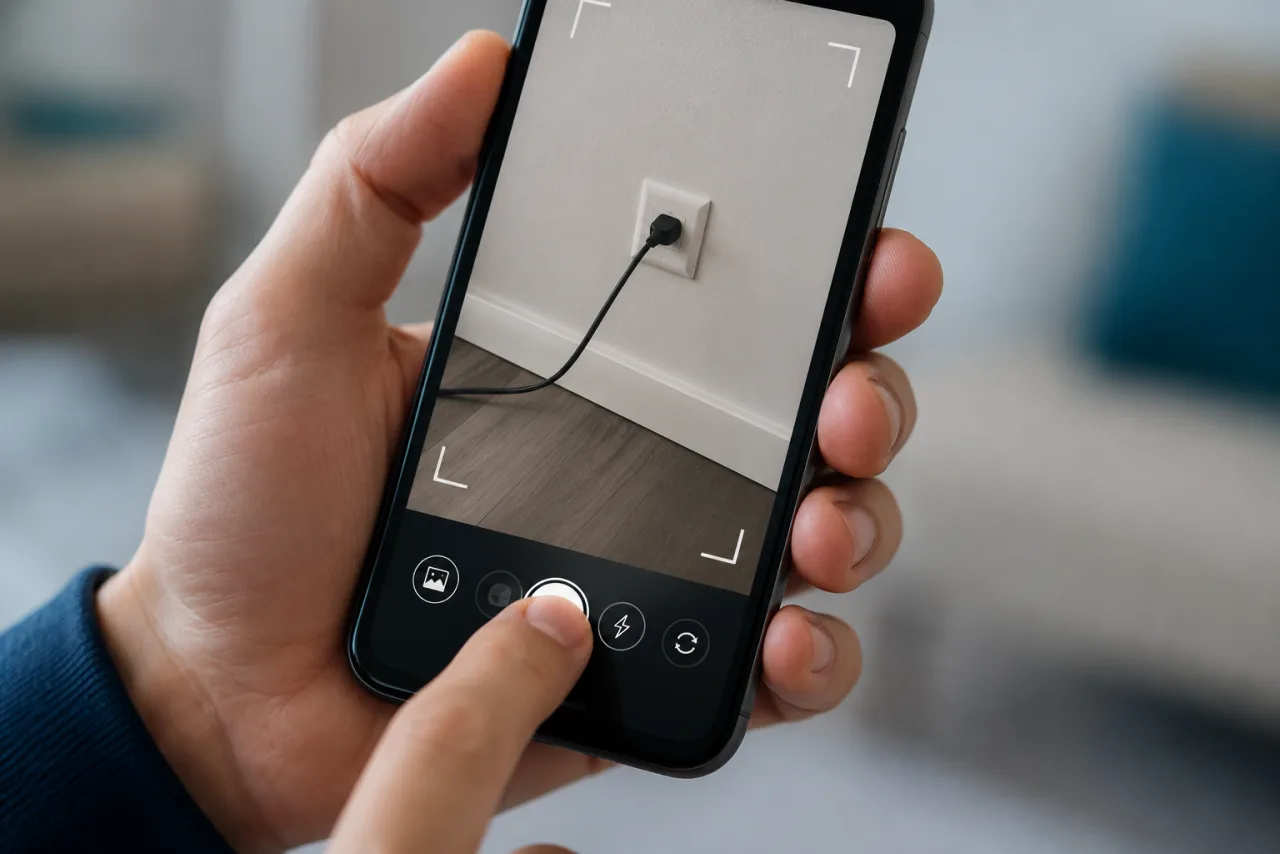
Agent draws on the screen
With live AR annotations, arrows and circles show the customer exactly which port or button to touch.
Fixed on the first call Problem solved
The connection works, the call ends in minutes, and the customer stays — no truck roll, no second call.
Customer staysBuilt for consumer support
Why it works for telecom customer support
No app to download
Runs in any modern mobile browser over WebRTC. Removing the install step is the single biggest driver of consumer adoption.
Live AR annotation
Draw, point and freeze-frame on the live video so non-technical subscribers know exactly what to touch.
Works on low bandwidth
Adaptive streaming keeps sessions usable on the same weak connection the customer is calling about.
Photo & evidence capture
Snap serial numbers, cabling and meter readings — attached to the ticket for documentation and fraud checks.
Recording & documentation
Auto-log sessions and outcomes for QA, training and dispute resolution.
Multilingual & global
Support subscribers across markets and languages from a single platform.
Secure & GDPR-compliant
Encrypted sessions, consent prompts and EU data handling — built for regulated telecom operators.
CRM / CCaaS integrated
Launch sessions from, and write outcomes back to, the agent's existing console.
Fits your stack
Works inside your CRM and contact-center platform
Agents launch visual sessions from the console they already use, and outcomes write back to the customer record. VSight integrates with Salesforce Service Cloud, Microsoft Dynamics 365, Genesys, NICE CXone, Five9, Amazon Connect and Zendesk.



What is telecom visual support?
Telecom visual support — a form of visual remote assistance — lets a contact-center agent see what a subscriber sees through their phone camera during a live call. Rather than describing steps over voice, the agent views the customer's router, cabling, error lights or device in real time and guides them with on-screen AR annotations to set up equipment, troubleshoot Wi‑Fi, or activate a service. Because it runs in the mobile browser with no app to download, it is uniquely suited to consumer (B2B2C) support at scale — improving first-contact resolution and average handle time while reducing avoidable technician dispatches.
Learn more in our glossary: What is telecom visual support?
Frequently Asked Questions
What is telecom visual support?
Telecom visual support (also called visual remote assistance) lets a call-center agent see what a subscriber sees through their phone camera during a live call. Instead of describing steps over voice, the agent views the customer's router, cabling or device in real time and guides them with on-screen AR annotations — to set up equipment, troubleshoot Wi‑Fi, or activate a service.
Does the customer need to download an app?
No. VSight runs in the phone's web browser. The agent sends a secure link by SMS or email, the customer taps it, allows camera access, and the visual session starts — no app store, no account, no install. Removing the download is the biggest reason consumers actually complete a visual session.
How does visual support reduce truck rolls and handle time?
Seeing the problem removes guesswork. Agents resolve router, cabling and Wi‑Fi issues on the first call instead of escalating or dispatching a technician, and they confirm whether an on-site visit is truly needed before booking one. In production at a Tier‑1 telecom operator, browser-based visual support lifted first-contact resolution to as high as 80%, cut field visits by 30%, and resolved most sessions in 5–7 minutes.
Will it work on a slow or unstable connection?
Yes. Sessions use adaptive WebRTC streaming that scales video quality to the available bandwidth, so visual support stays usable on the same weak connection the customer is calling about.
Can it integrate with our CRM and contact-center platform?
VSight integrates with leading CRM and CCaaS systems such as Salesforce Service Cloud, Microsoft Dynamics 365, Genesys, NICE CXone, Five9, Amazon Connect and Zendesk, so agents launch sessions from their existing console and outcomes are written back to the customer record.
Is it secure and GDPR-compliant for telecom operators?
Yes. Sessions are encrypted end to end, the customer explicitly consents to sharing their camera, and data is handled in line with GDPR and enterprise telecom security requirements. See our security and data-handling overview for details.
Does it work on both iPhone and Android?
Yes. Visual support runs in the standard mobile browser — Safari on iPhone and Chrome (or the default browser) on Android — using WebRTC. There is nothing to install on either platform, so it works on virtually any modern smartphone a subscriber already owns.
How long does a typical visual support session take?
At a Tier‑1 telecom operator, most sessions are resolved in 5–7 minutes. Because the agent sees the problem directly, the call follows the shortest path to resolution instead of long voice-only back-and-forth.
Do customers need any technical skills to use it?
No. The customer only taps a link and points their phone camera at the router or device. The agent does the technical work — diagnosing the issue and pointing to the exact port or button with on-screen annotations — so even non-technical subscribers can follow along.
How is visual support different from a regular video call?
A video call is just two-way talking-head video. Visual support is purpose-built for troubleshooting: the agent sees the customer's environment through the rear camera, freezes frames, draws AR annotations on the live image, captures photos to the ticket, and records the session for QA — all without the customer installing anything.
What happens if the problem can't be solved remotely?
If the fault is hardware or infrastructure related, the visual session produces an accurate diagnosis, and the agent creates a work order with the documented fault details. The field technician then arrives prepared to fix the right problem the first time — so even the dispatches that do happen are more efficient.
Related
Explore related solutions
See visual support on your own calls
Book a demo and we'll show how telecom contact centers cut truck rolls and handle time with VSight.