
How to Create a Workflow with AI
1. Start an AI-Generated Workflow
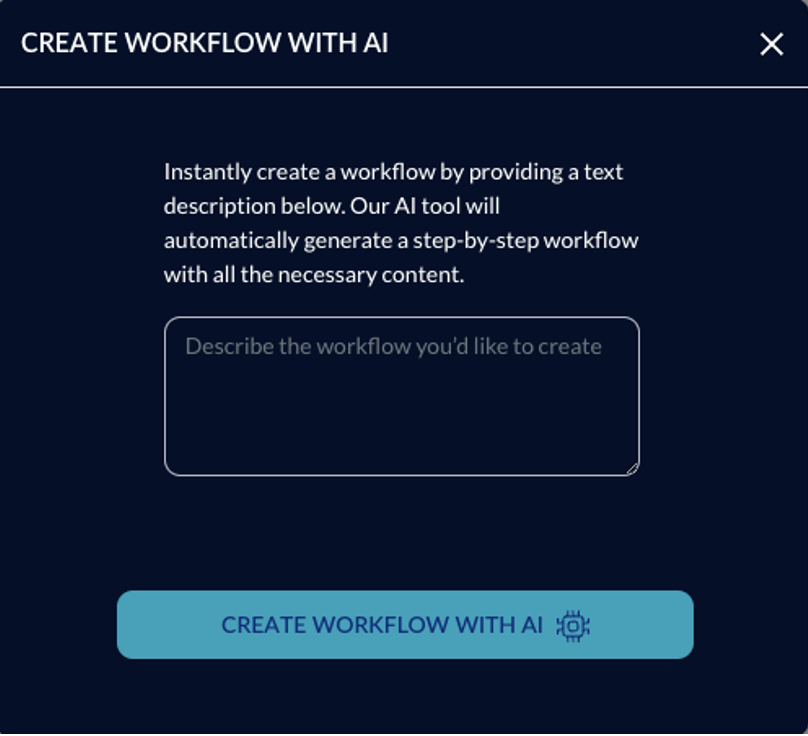
✅ Select “Create Workflow with AI” from the workflow creation options.
✅ Enter a description of the workflow, e.g., “How to Assemble a Car Engine.”
✅ Add specific details or instructions that should be included in the workflow.
2. Customizing the AI-Generated Workflow
✅ Once the AI creates the workflow, you can edit it like a regular workflow.
✅ Add additional information, images, videos, and attachments to enhance the workflow.
Using AI to create workflows saves time and ensures a structured workflow design, while still allowing full customization to meet specific needs.
📌 Need More Help? – See further information at VSight Help Center or contact support for assistance.