
1. Adding Languages to a Workflow
✅ Once a workflow is completed, you can add additional languages.
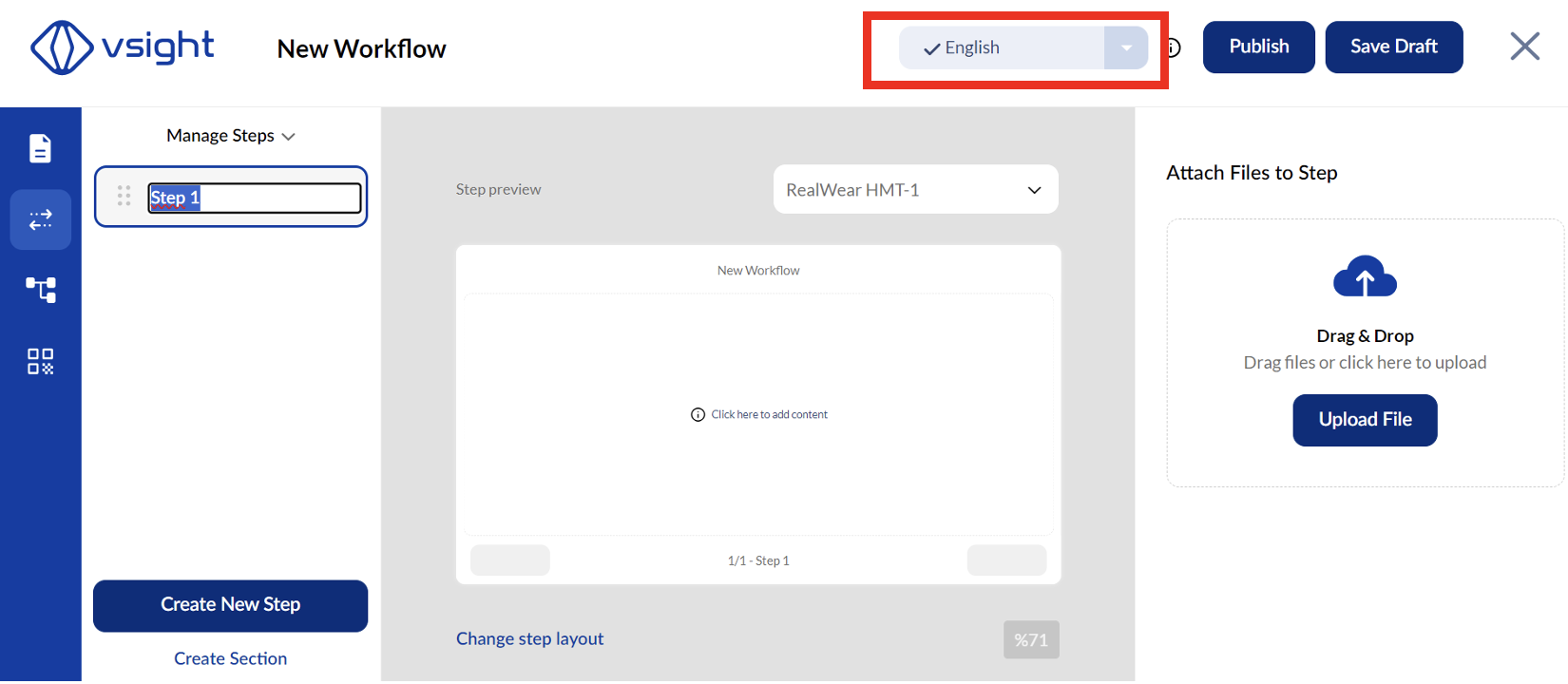
✅ Click on the language option at the top of the screen.
✅ Add as many languages as needed.
2. Translation Options
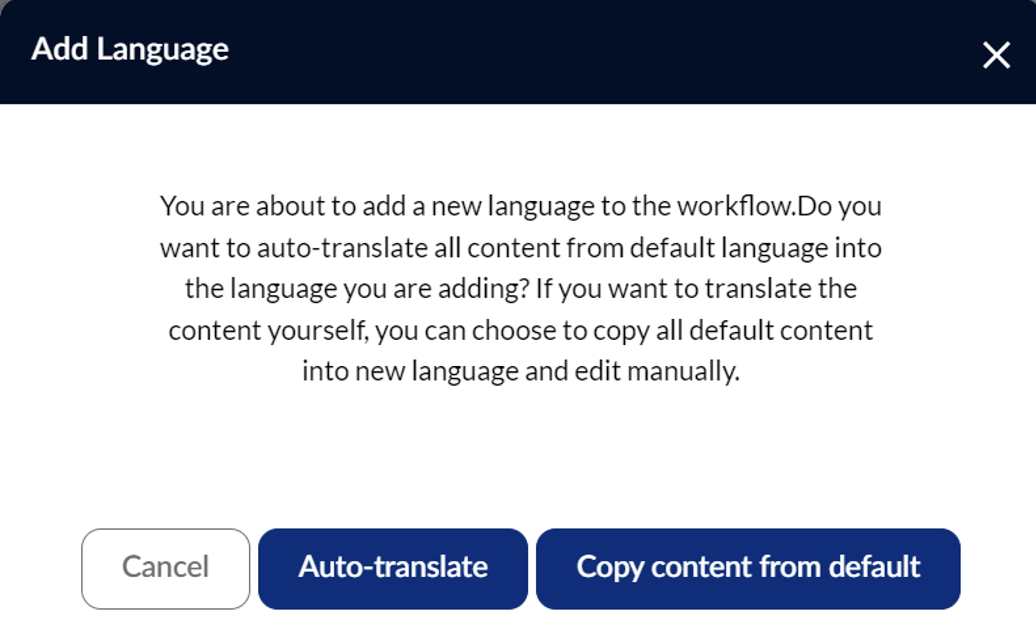
✅ Manual Translation – Enter translations manually for each step.
✅ Auto Translation – Use the built-in auto-translation function for quick translations.
✅ You can edit auto-translated text to ensure accuracy.
By adding multiple languages, VSight Workflow enables seamless communication and usability across different regions.
📌 Need More Help? – See further information at VSight Help Center or contact support for assistance.