
1. How Easy Access Works
✅ If a user has the VSight app installed, scanning the QR code or clicking the link opens the app automatically.
✅ If a user does not have the app installed, the workflow opens in a browser.
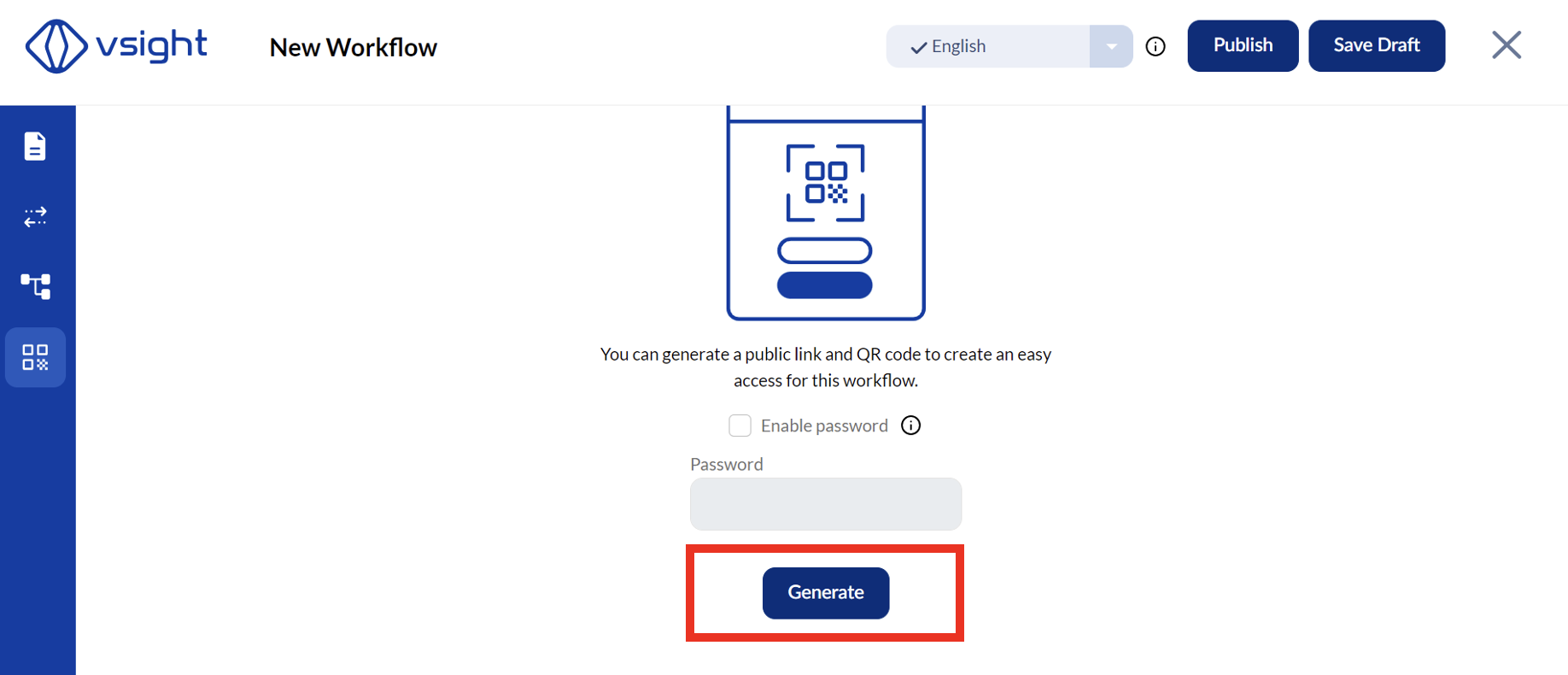
✅ The workflow must be saved and published before enabling Easy Access.
2. Assigning Easy Access to Users
✅ If a workflow is assigned to existing users, Easy Access allows them to open the workflow directly without searching for it in a long list.
✅ Unregistered users can access workflows without requiring a VSight account.
3. Security & Public Access
✅ If the QR code or link is made public (e.g., placed as a sticker on a machine), you can protect the workflow with a password to restrict access.
✅ Only users who know the password can open the workflow.
4. Managing Easy Access Links & QR Codes
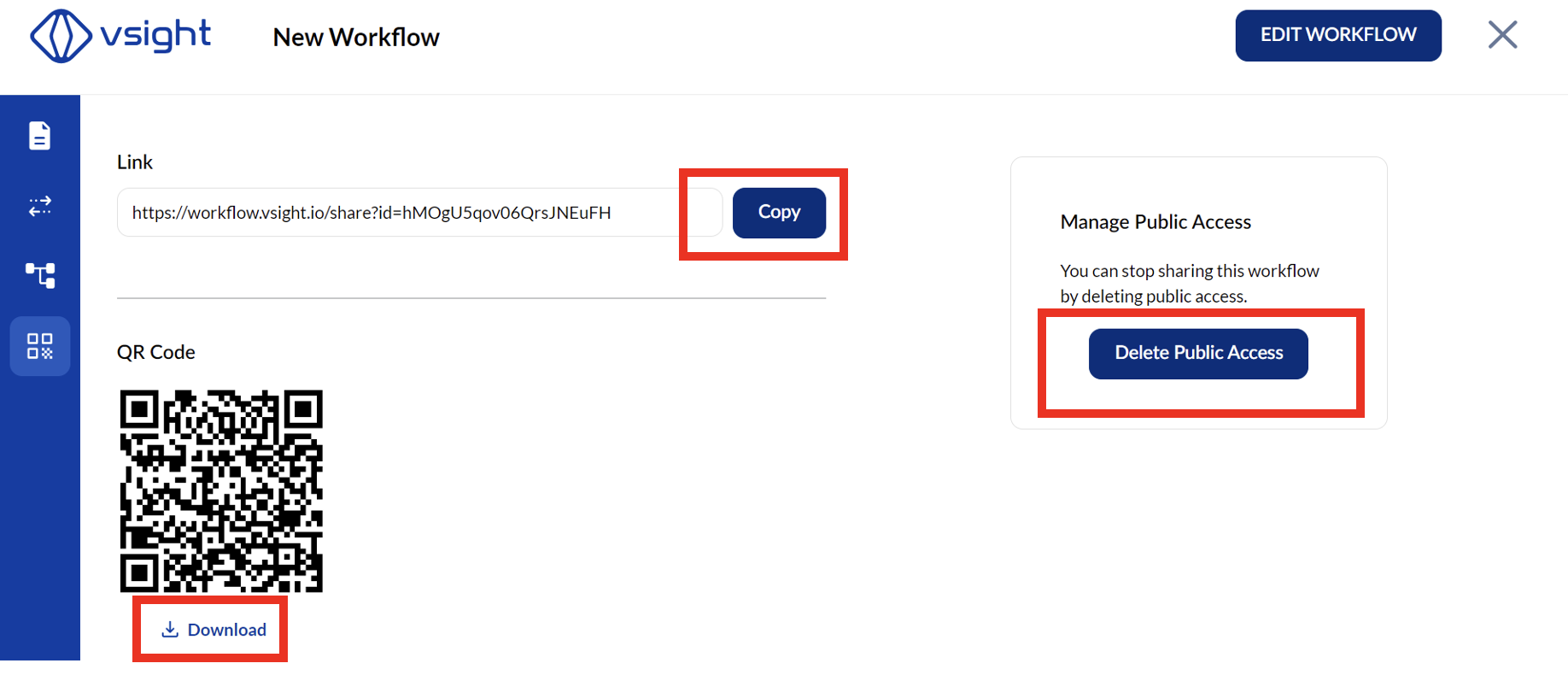
✅ You can copy, download, or delete the QR code and link.
✅ If you delete an Easy Access link, generating a new one will create a completely new QR code and link.
Easy Access in VSight Workflow provides a quick and flexible way to share workflows while maintaining control over accessibility and security.
📌 Need More Help? – See further information at VSight Help Center or contact support for assistance.