
Key Settings in VSight Remote
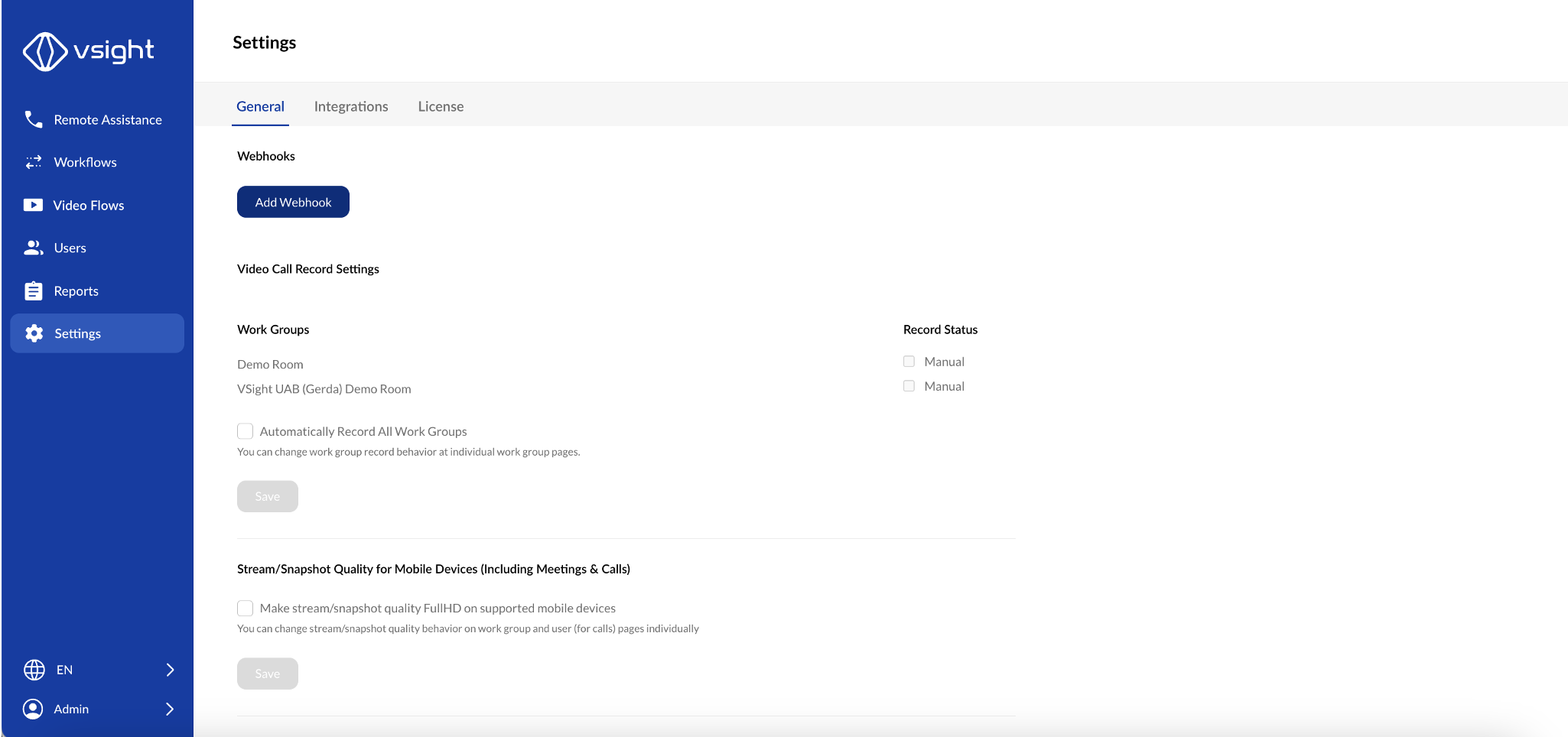
1. Webhook Integration
✅ Add a webhook to connect VSight Remote with external applications for automated data transfer and notifications.
2. Weekly Usage Reports
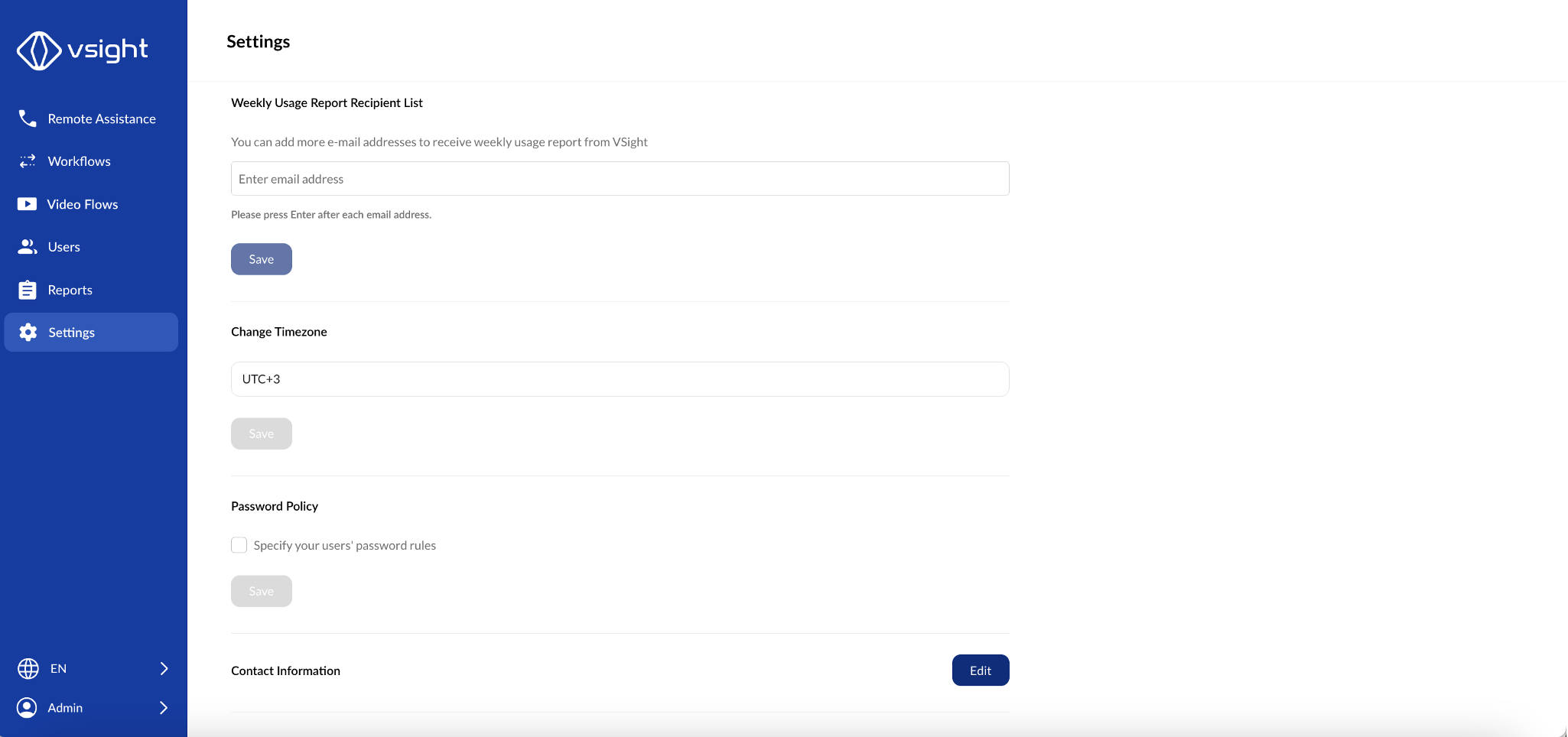
✅ Define a recipient list for weekly reports summarizing platform usage and activity.
3. Time Zone Configuration
✅ Adjust the time zone settings to ensure accurate scheduling and reporting.
4. Password Policy
✅ Set and enforce a password policy for users, including requirements for complexity, expiration, and history.
5. Contact Information
✅ Add or update contact details for support, administrative inquiries, or company-specific needs.
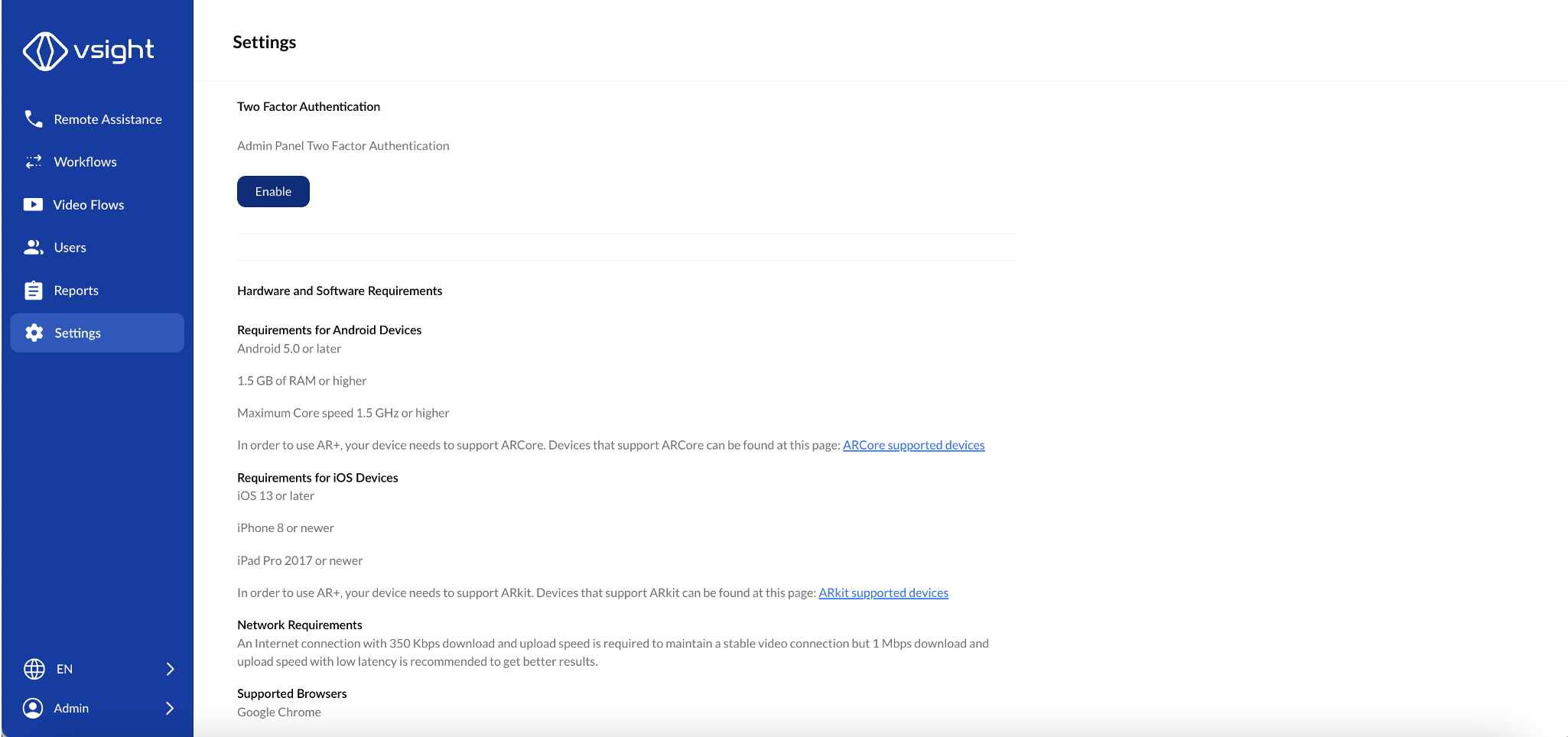
6. Two-Factor Authentication (2FA)
✅ Enable 2FA for additional security when logging into the platform.
7. General Requirements
✅ View a summary of system requirements and best practices to ensure optimal performance of VSight Remote.
By managing these settings, administrators can enhance security, improve platform efficiency, and ensure a smooth user experience in VSight Remote.
📌 Need More Help? – See further information at VSight Help Center or contact support for assistance.